The Octopodd application allows you to record your own drills or use those already included. A drill is a structured exercise or test consisting of one or more steps, which you can customize to suit your needs.
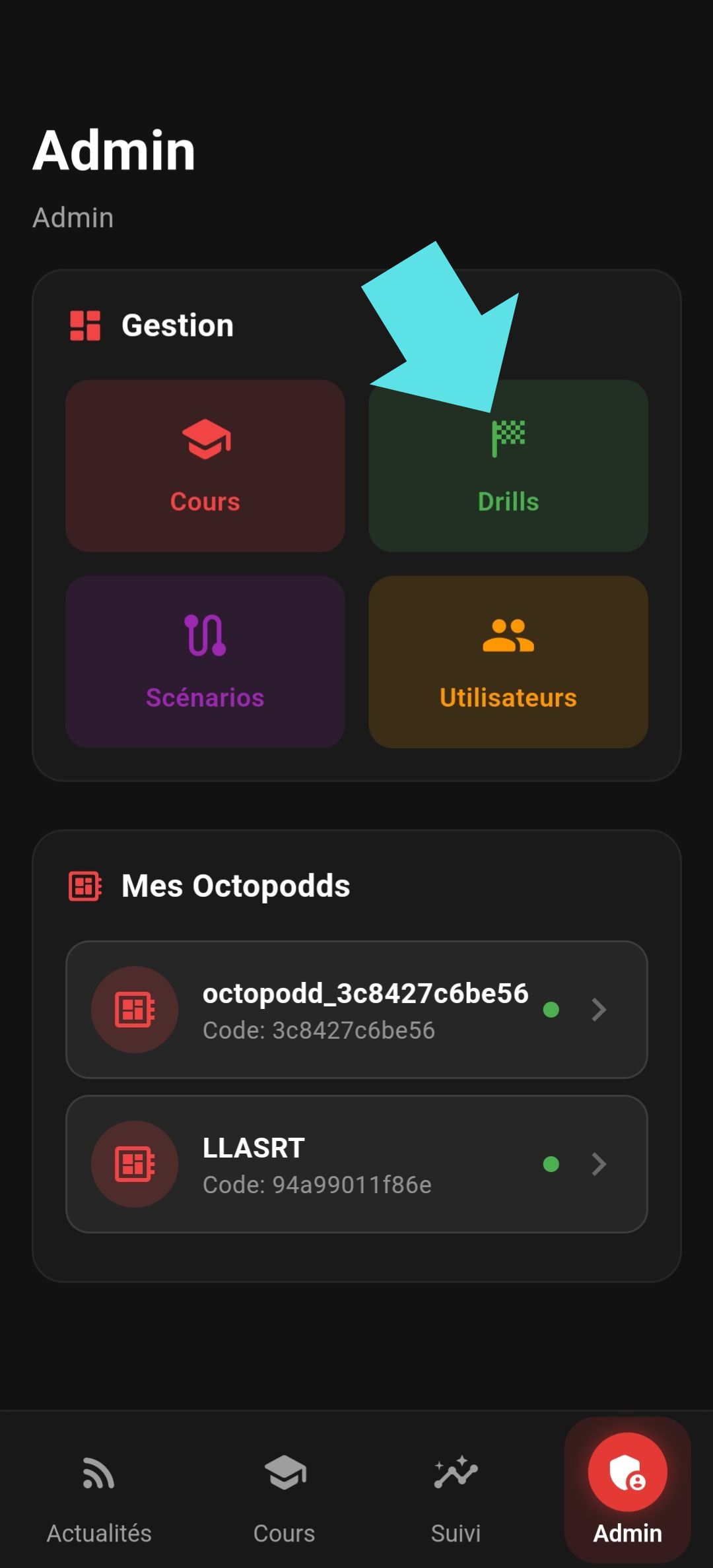
To create a drill, you must be an administrator of your Octopodd. If the “Admin” tab appears at the bottom right of the screen, open it, then click the “Drill” button.
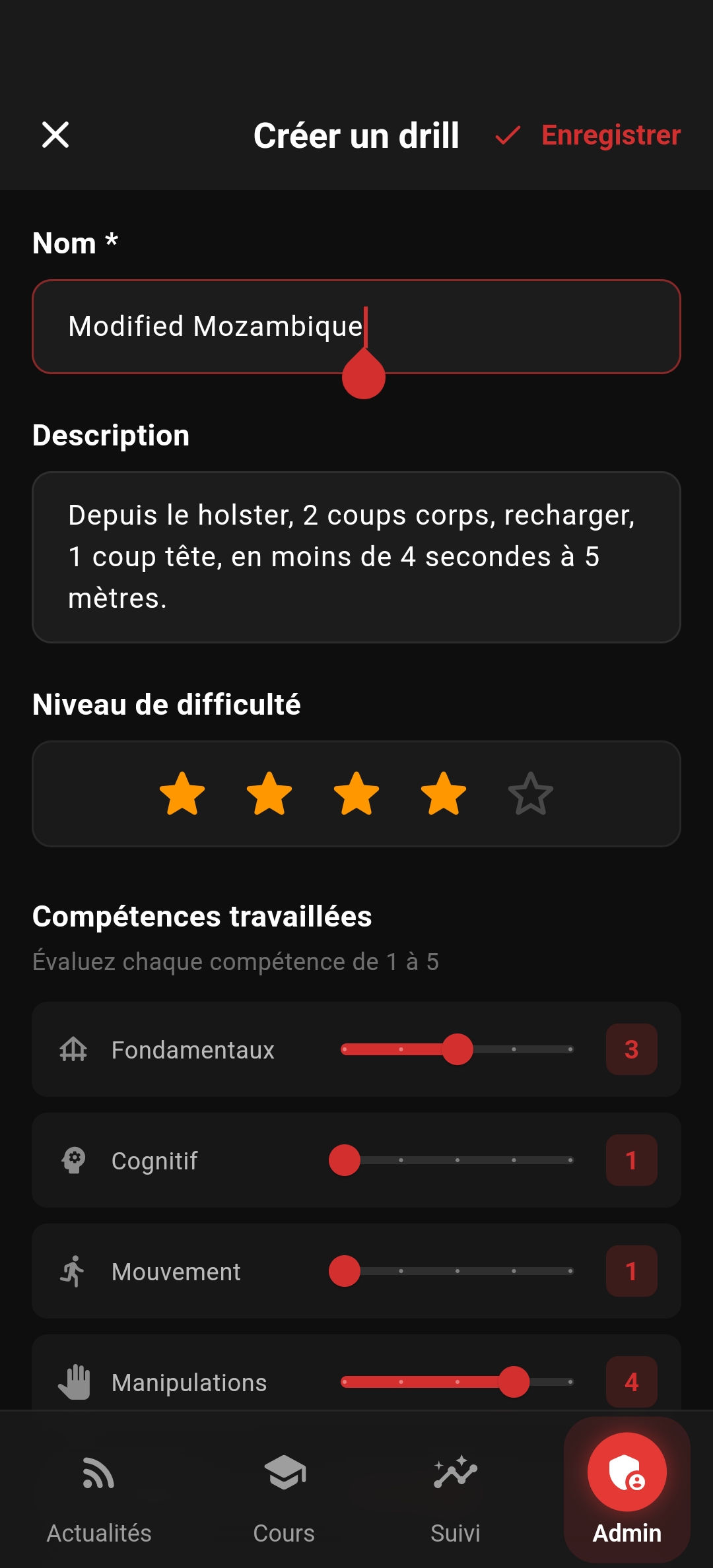
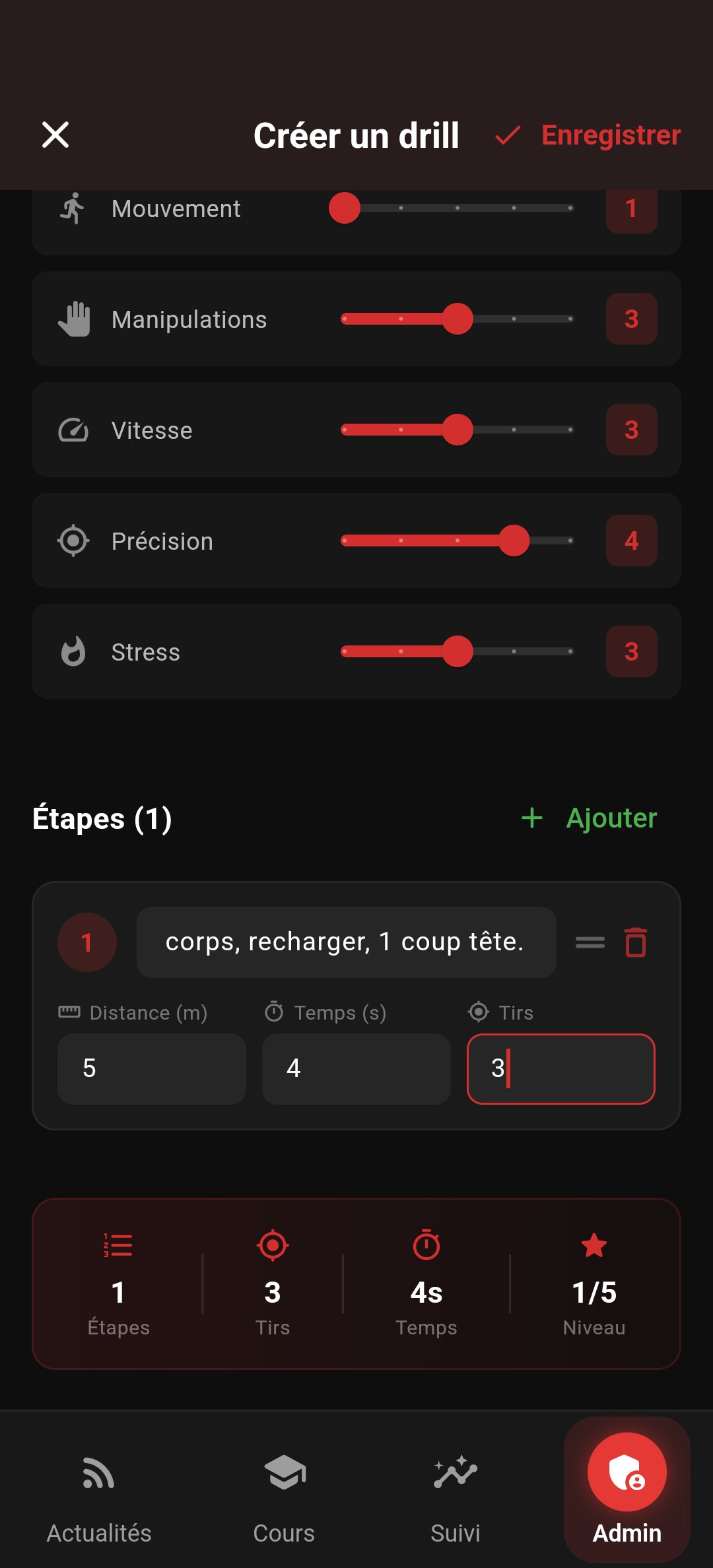
Select the Octopodd you want to associate the drill with, give it a name and a description, and optionally add a difficulty level. After adding the difficulty levels and adjusting the skills being trained (optional), click “Add” below to add the first step of the drill. You can add as many steps as needed. Once finished, click “Save”.