Before connecting your Octopadds to the application, make sure they are properly powered. Press the backlit power button on each Octopadd. A green LED indicates that the device is charged and ready for use.
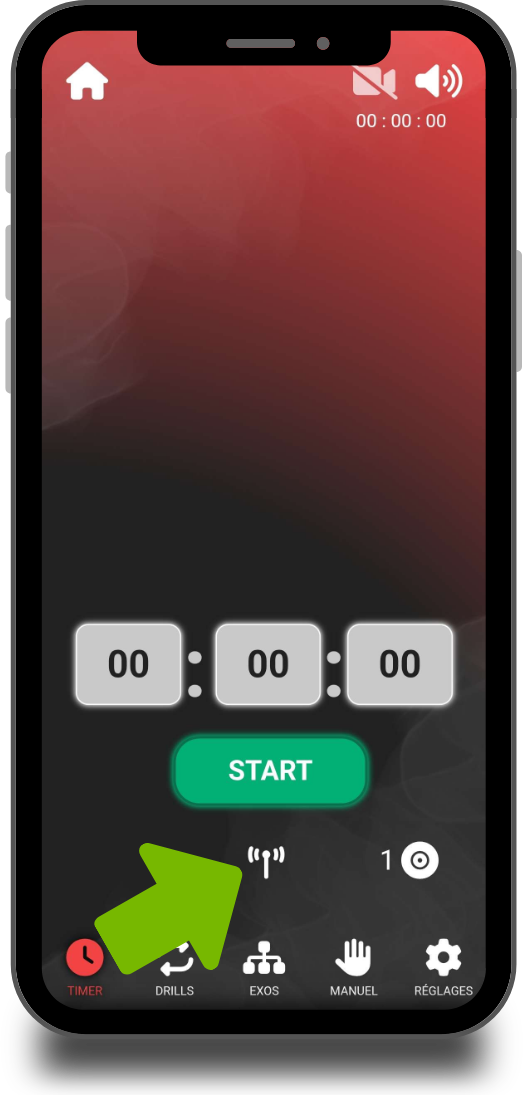
Once the Octopadds are turned on, connect to your Octopodd and go to the “Timer” tab. Tap the antenna icon to start searching for available Octopadds.
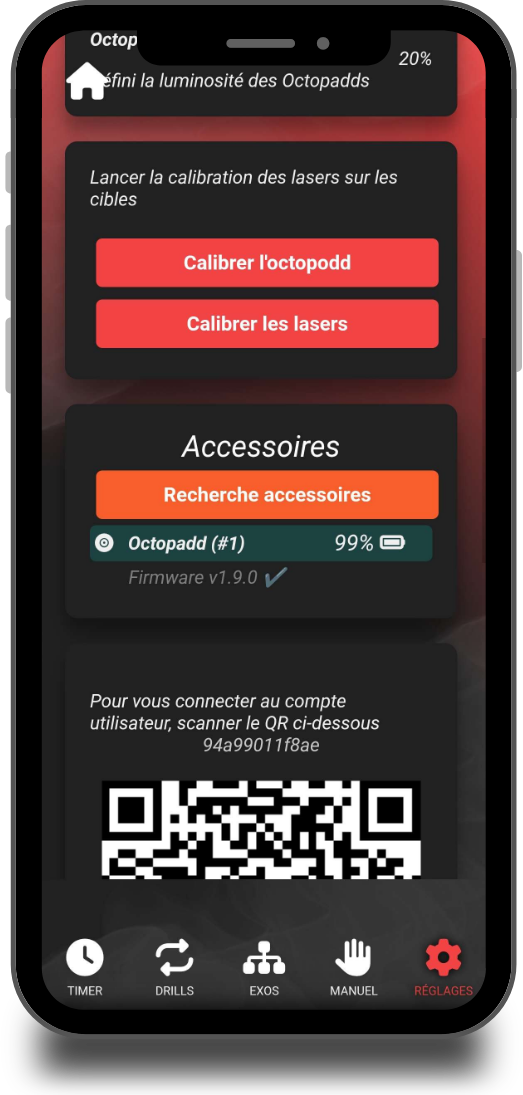
You can also connect your Octopadds from the “Settings” tab, in the “Accessories” section.
If you want to identify exactly which number corresponds to which Octopadd, go to “Settings > Accessories”. By tapping an Octopadd in the list, it will start blinking, allowing you to visually identify it.
Note: The numbers assigned to Octopadds are not fixed. They are reset and reassigned with each new connection, based on the detection order.