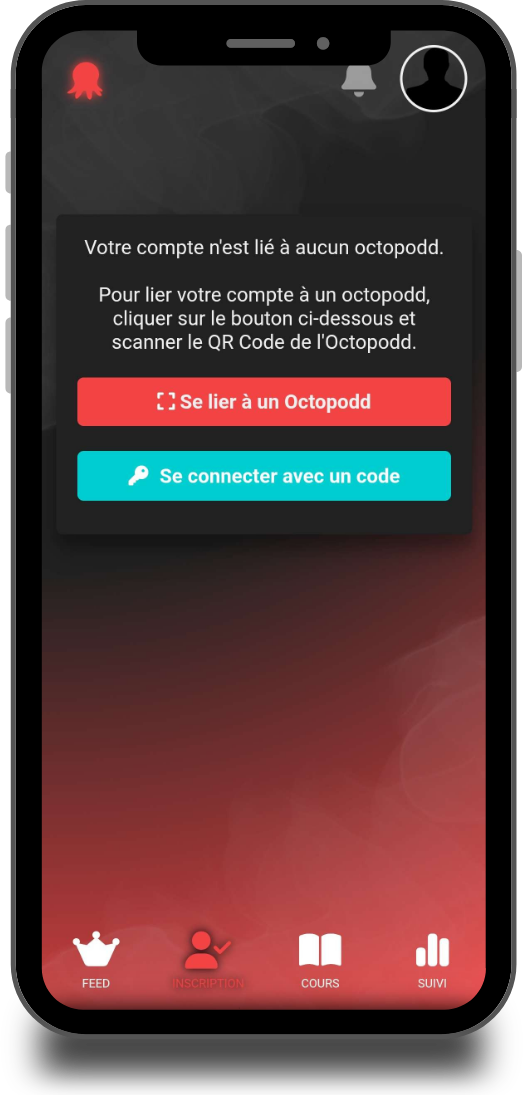
If this is your first time using an Octopodd, the application will prompt you to link your account in certain tabs, such as the “Registration” tab. To do this, you can either scan the QR code located on the front of the Octopodd, or enter an invitation code provided by an instructor.
The first user to link an Octopodd automatically becomes its administrator — ideally, this should be an instructor. If you wish to add multiple instructors to the same Octopodd, please contact us.
Subsequent users join that Octopodd’s community and benefit from various features: session registration, access to the news feed, and much more.